Skip to main content
How Do I Update My all.health App / Turn On Automatic Updates On iOS?
- Go into the app store and search for all.health.
- Download or update the blue app shown below. DO NOT DOWNLOAD THE BLACK APP.
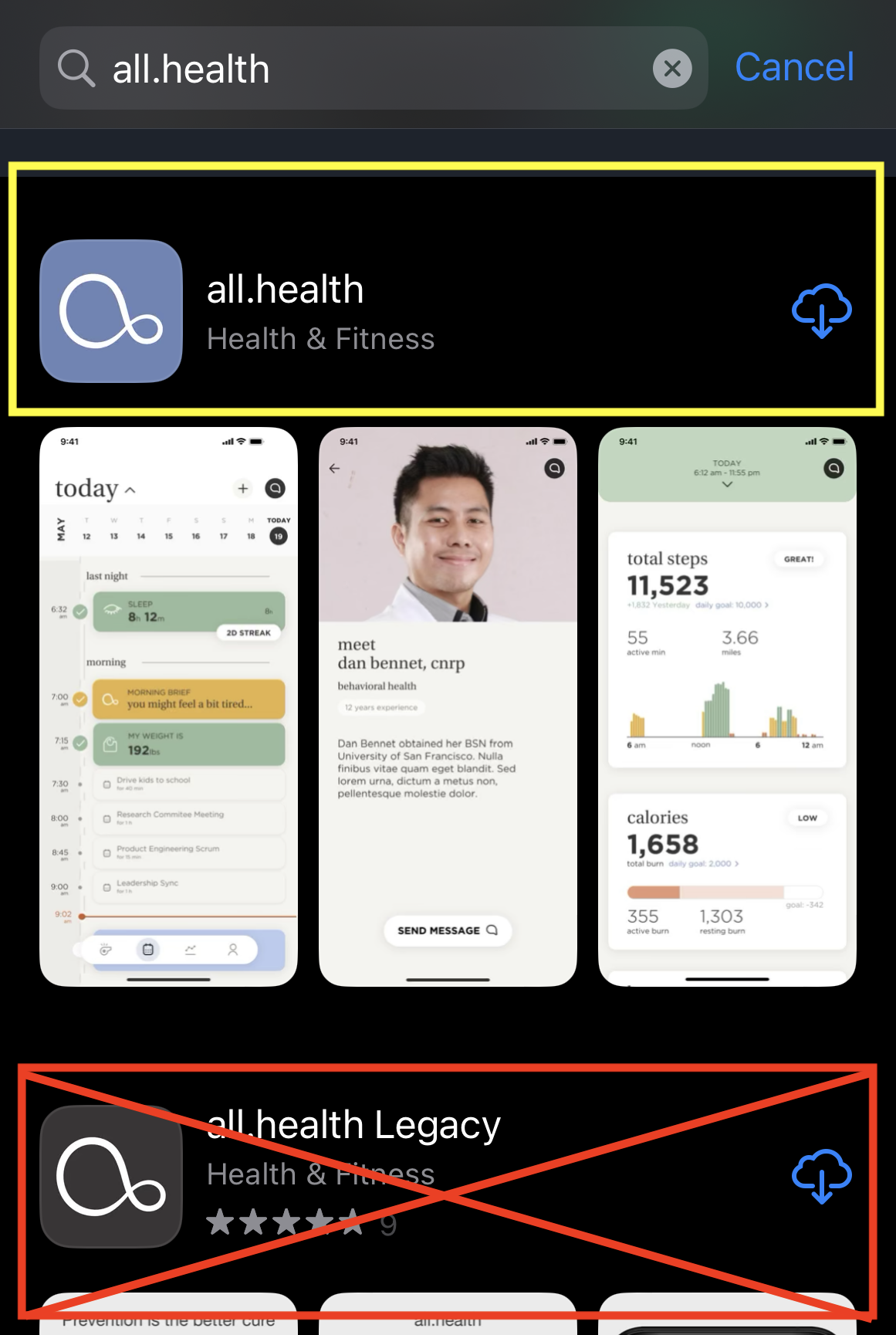
- If you already were signed into the app previously you should be good to go and not need to re-pair your band or sign in.
Turn on automatic app updates
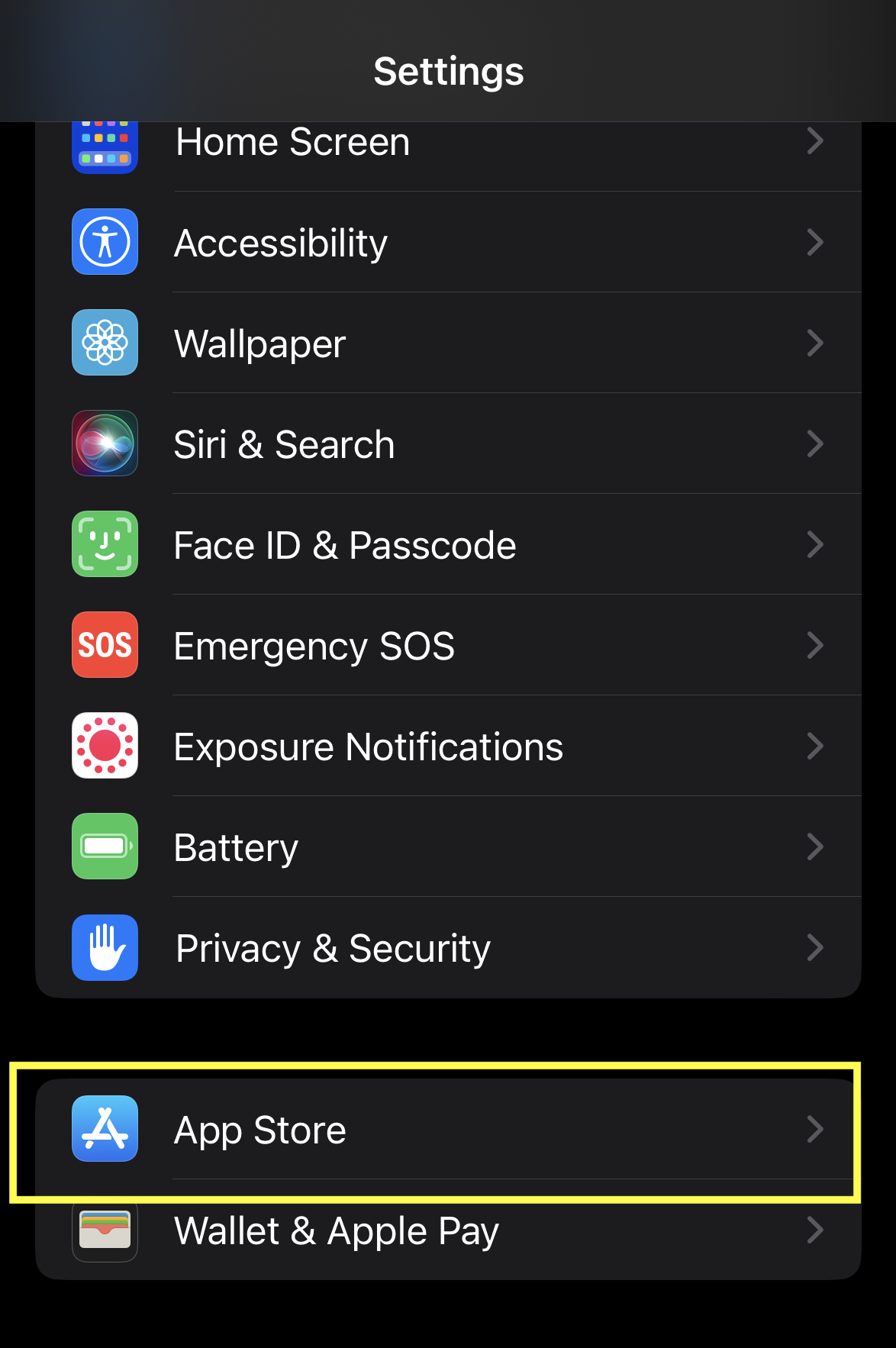
- Go into the settings of your iOS device and scroll down to "App Store."
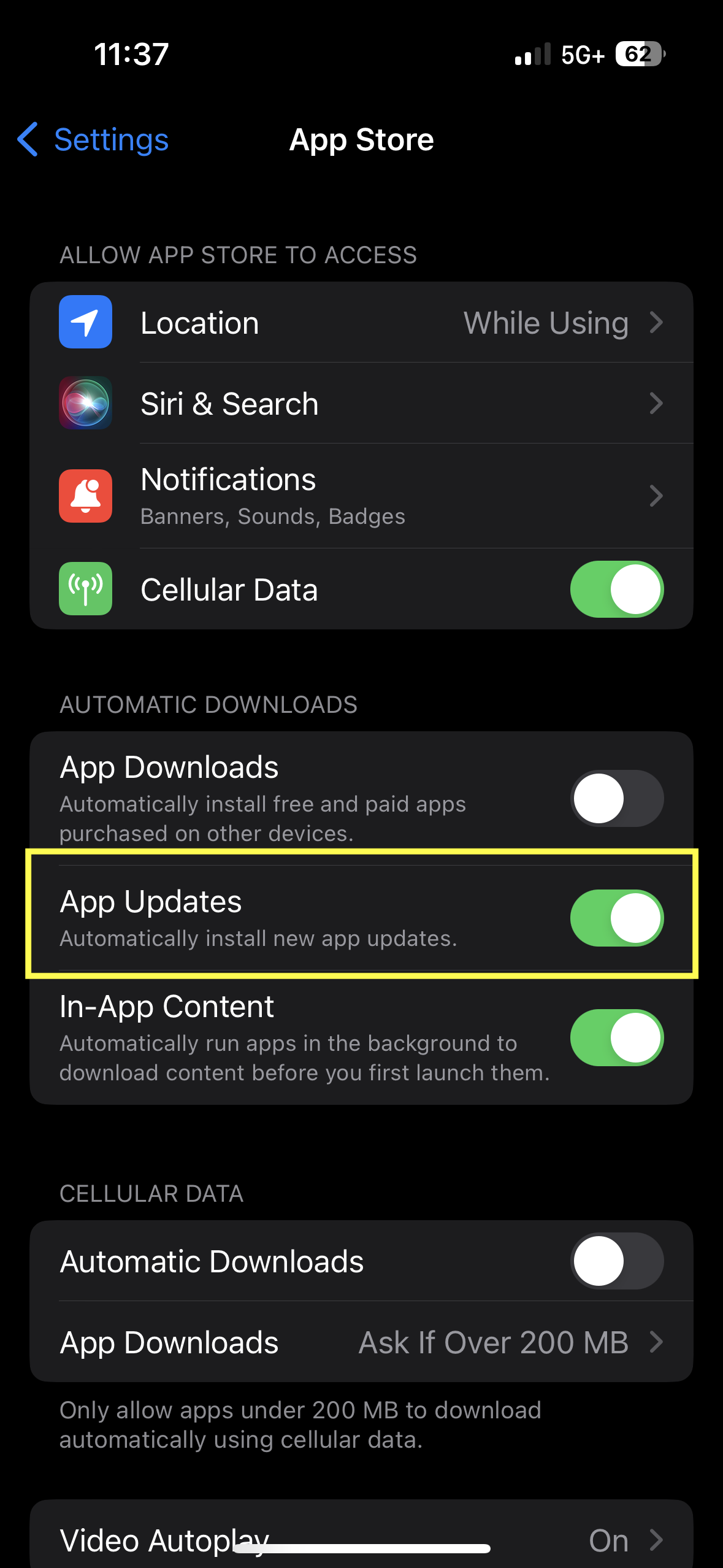
- Toggle "App Updates" to "Toggle New App Updates." This will keep your app updated without you having to worry about it.