Skip to main content
How Do I Update My all.health App / Turn On Automatic Updates On Android?
- Go into the Google Play Store and search for all.health. Click into the blue app highlighted below.
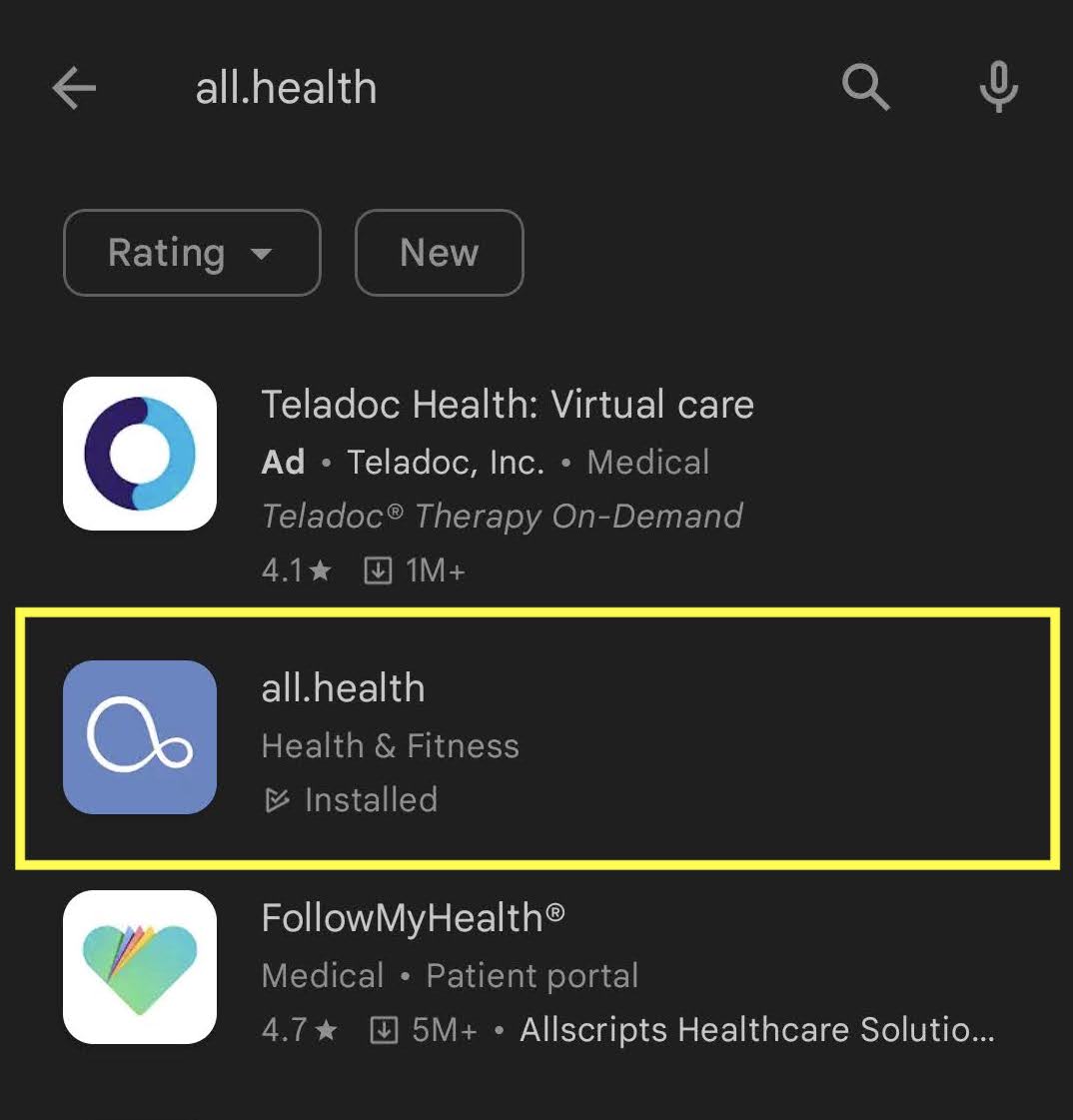
- If you already have the app downloaded you will see the option to "Update" or "Open." If you see "Open," your app is fully updated.
- Once you select "Update," your app will update. You should not be required to sign back into the app or pair your band.
Turning on Automatic App Updates:
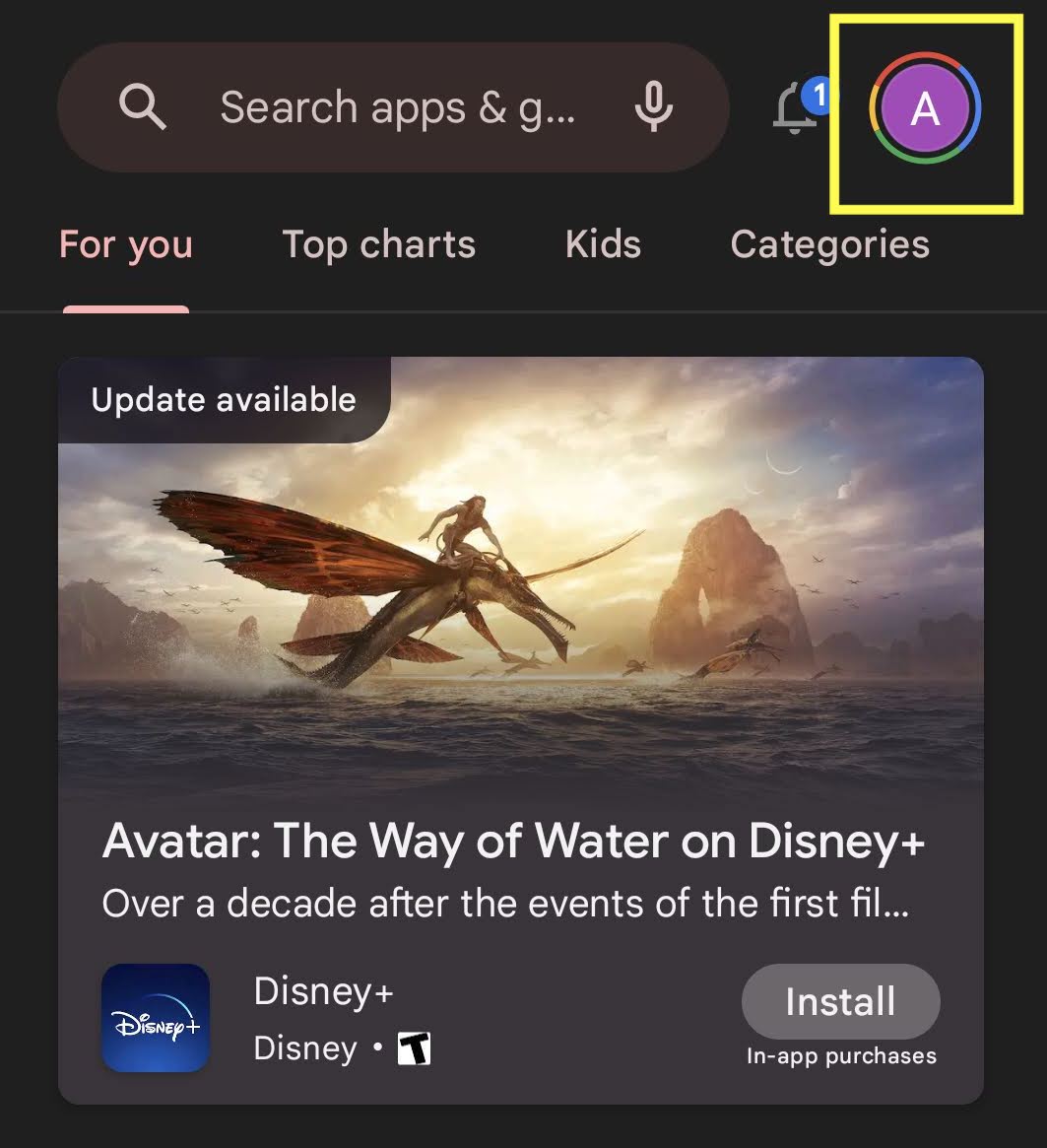
- Go into the Google Play Store and tap the profile circle in the top right corner.
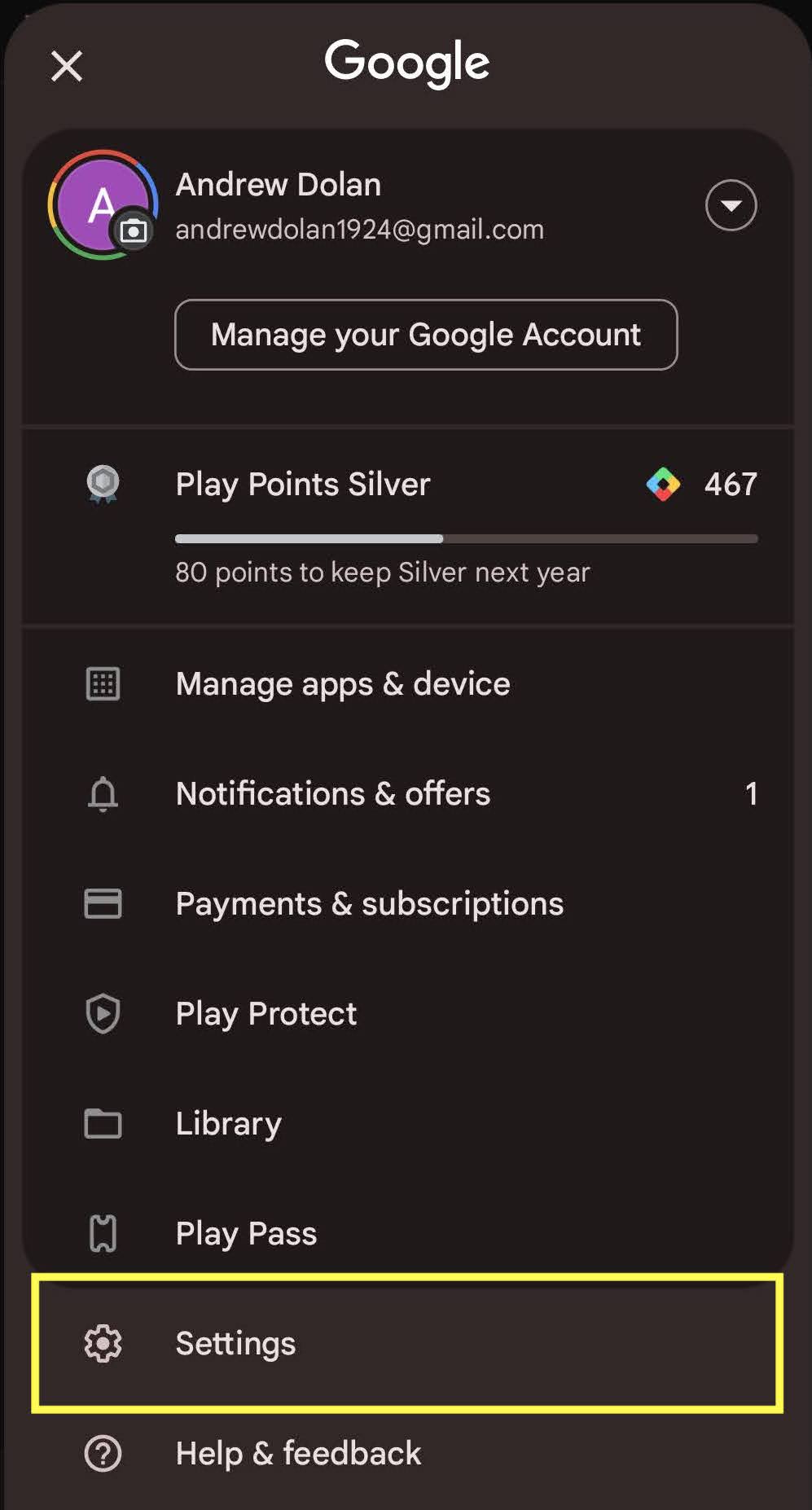
- You can now navigate down and tap on "Settings."
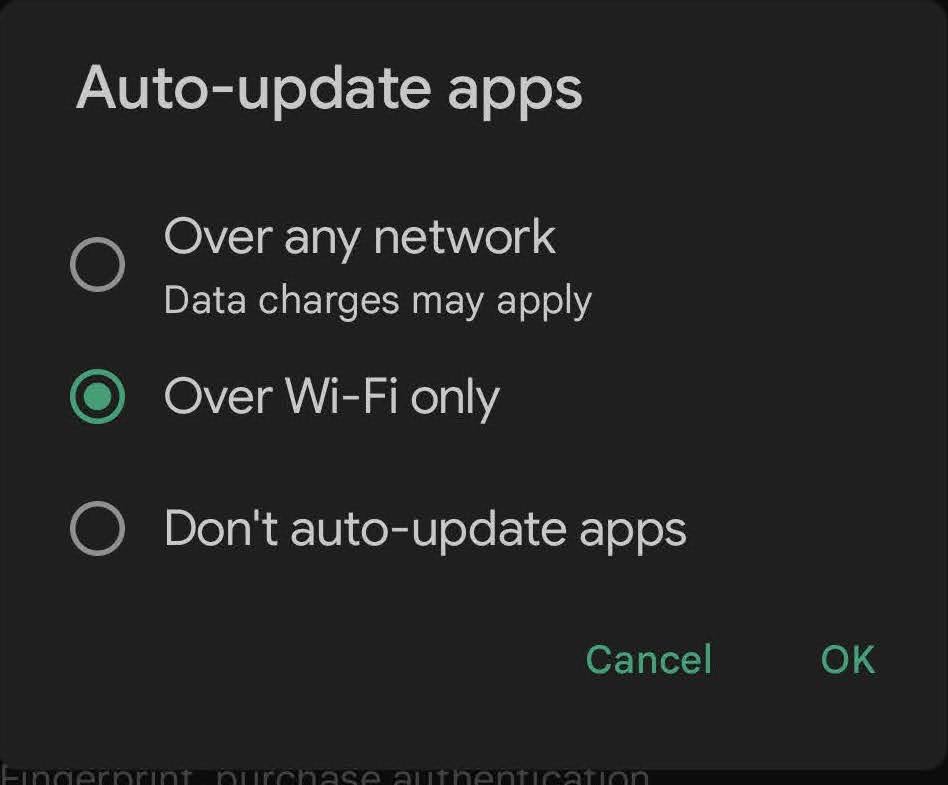
- Within the settings you will see the option, "Network Preferences." You can choose which option of app updating you prefer.